
Work with counsellor support
Understand how students and counsellors collaborate on shortlist review, document review, follow-up tasks, notes, and application readiness.
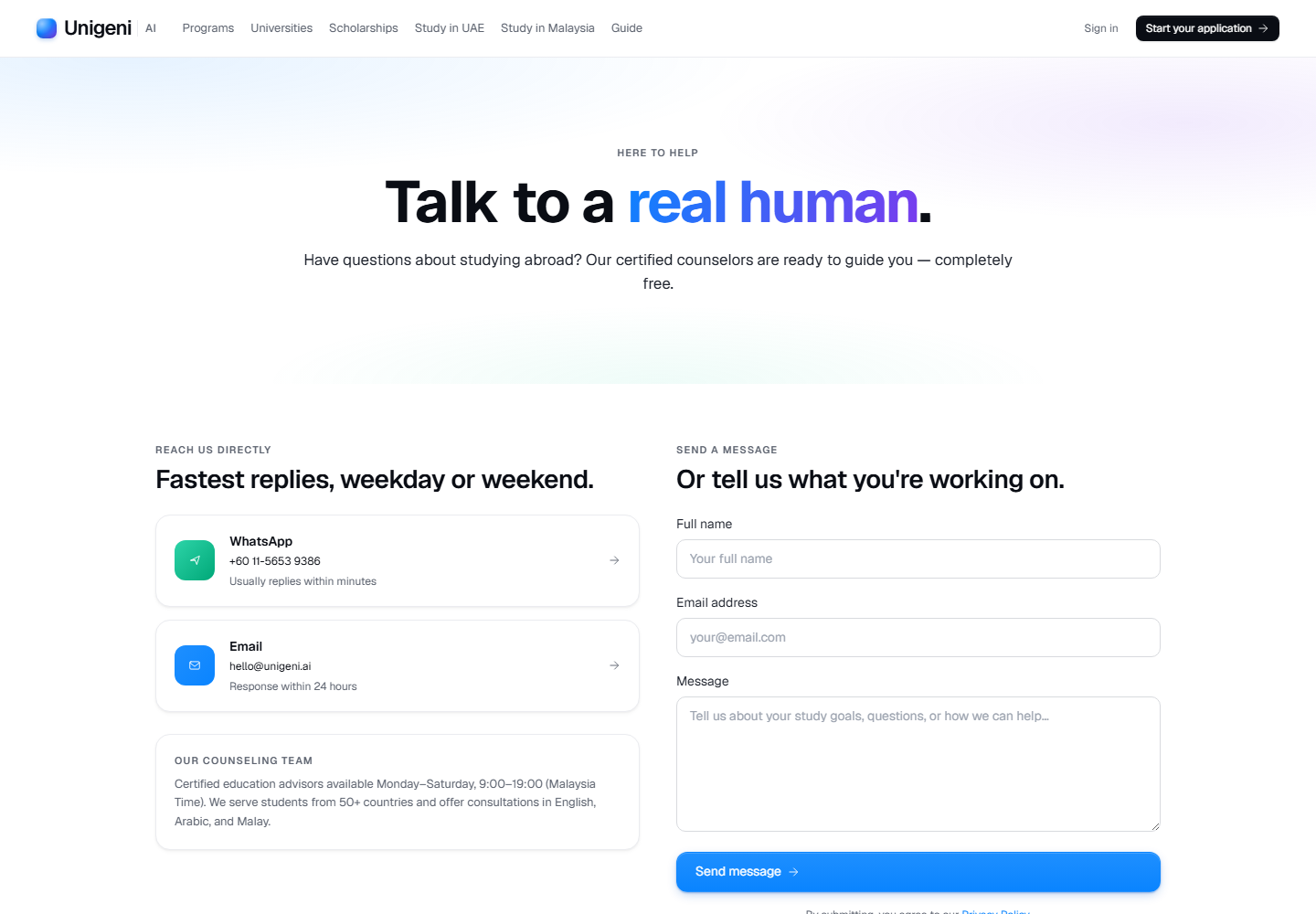
Live product screen
This visual uses the current UniGeni.ai route instead of a mockup.
Capture source
Use the source URL when this screenshot needs to be refreshed after a UI release.
Follow the workflow
Know what counsellors can help with
Counsellors can review shortlist fit, documents, application requirements, tasks, notes, and readiness for submission.
Use student tasks as the shared action list
Follow-up tasks are visible to students when counsellor or requirement workflows need action.
Open student tasksCounsellors should use the portal queue
Counsellors work from students, applications, documents, reports, invites, and saved programme areas in the counsellor portal.
Open counsellor portalEscalate unclear or blocked applications
If a document is rejected, a requirement is ambiguous, or an intake is uncertain, use counsellor notes or support channels before resubmitting.
Questions
Can counsellors submit for me?
Counsellor workflows can support review and follow-up, but student identity and application ownership must stay tied to the authenticated student.
Was this guide useful?
Related guides
Track application status
Understand dashboard applications, status badges, tasks, notifications, journey events, and what to do when a status changes.
Upload documents
Prepare and upload transcripts, passport scans, English certificates, payment receipts, and application-specific requirement files.
Common mistakes that slow applications
Avoid the profile, document, eligibility, deadline, and application mistakes that most often create avoidable counsellor follow-up.