
Search universities and programmes
Use search, destination pages, and filters to find verified universities and programmes without confusing marketing pages with application-ready options.
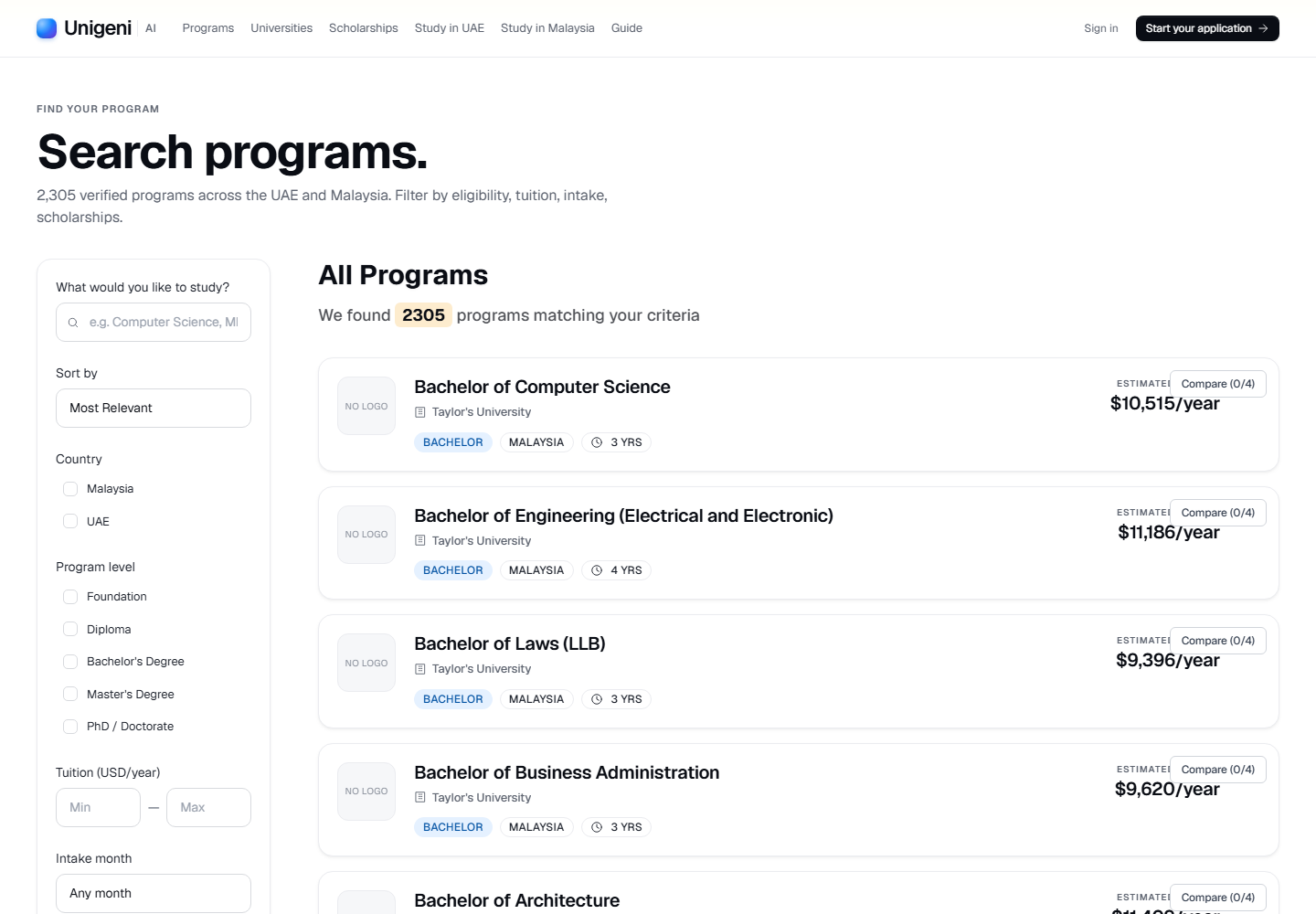
Live product screen
This visual uses the current UniGeni.ai route instead of a mockup.
Capture source
Use the source URL when this screenshot needs to be refreshed after a UI release.
Follow the workflow
Start from Search
Use /search as the main programme listing. The /programs route redirects to search, so tutorials and bookmarks should point to /search.
Open searchFilter by country, level, tuition, and intake
Set the filters that matter first. If results are too narrow, clear tuition or intake filters before changing your field of study.
Open institution and programme details
Review university location, programme level, tuition, and intake timing before shortlisting or comparing.
Save or compare strong matches
Shortlist programmes that meet your academic and budget criteria, then compare only the realistic options.
Questions
Why does /programs redirect to search?
The current UniGeni.ai app uses /search as the programme discovery route, while individual programme pages still live under /programs/[slug].
Was this guide useful?
Related guides
Compare programmes before applying
Use shortlist and compare views to narrow choices by fit, cost, intake, institution, and counsellor confidence before submitting applications.
Check eligibility
Use the eligibility checker to score programmes against your academic profile, language evidence, budget, and target level before applying.
Understand deadlines and intakes
Plan around January, May, September, and institution-specific intakes so documents, review, offers, and visa timing do not collide.