
Common mistakes that slow applications
Avoid the profile, document, eligibility, deadline, and application mistakes that most often create avoidable counsellor follow-up.
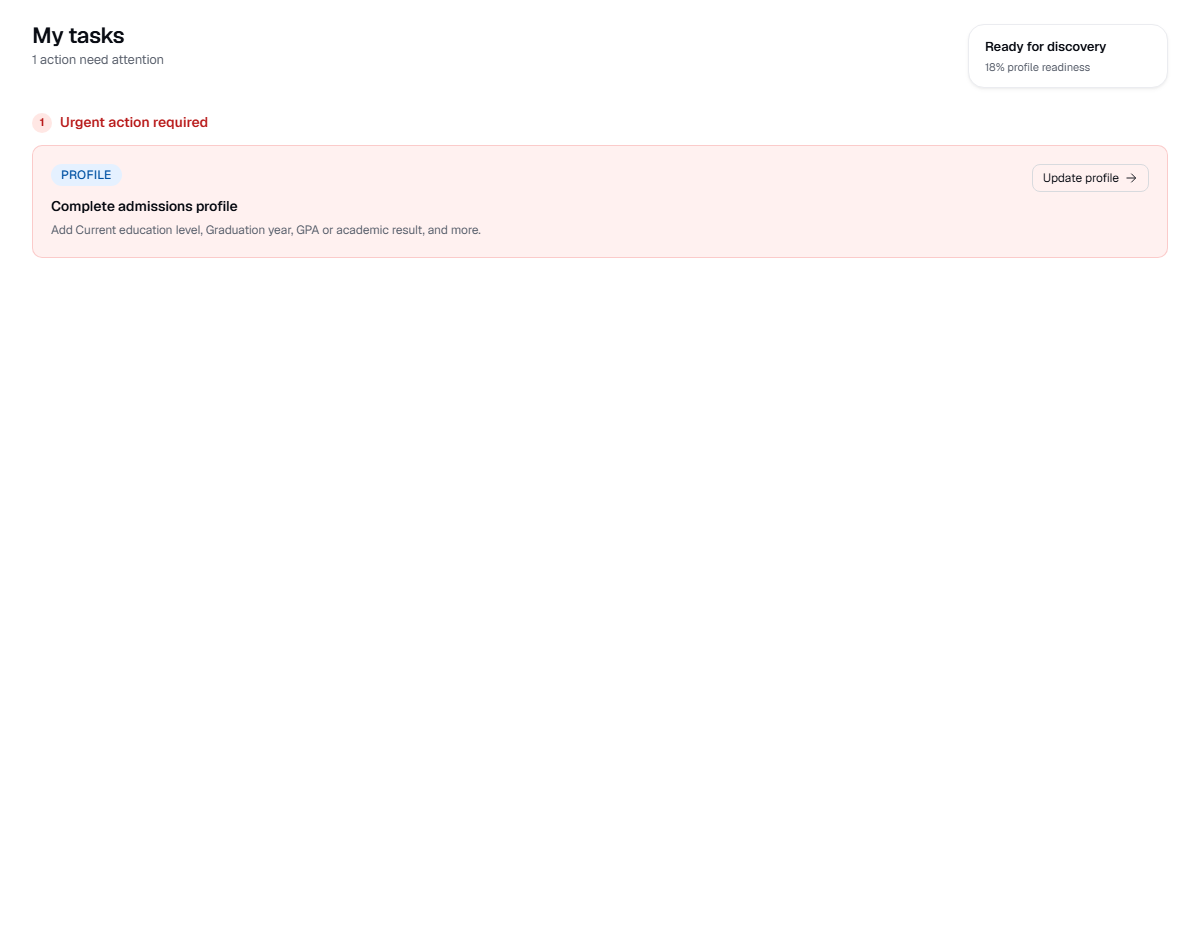
Live product screen
This visual uses the current UniGeni.ai route instead of a mockup.
Capture source
Use the source URL when this screenshot needs to be refreshed after a UI release.
Follow the workflow
Do not apply before profile setup
Incomplete profile data leads to weaker matches and more follow-up during applications.
Do not confuse vault files with requirement files
A document in your profile vault may still need to be linked or uploaded to a specific application requirement.
Do not treat eligibility as a guarantee
Eligibility is a planning signal. Official admission and scholarship decisions come from the university.
Do not ignore tasks
Tasks usually point to the current blocker. Clear them before opening new applications.
Was this guide useful?
Related guides
Complete your student profile
Build a stronger profile by adding your name, fields of study, education level, graduation year, and academic results.
Upload documents
Prepare and upload transcripts, passport scans, English certificates, payment receipts, and application-specific requirement files.
Track application status
Understand dashboard applications, status badges, tasks, notifications, journey events, and what to do when a status changes.