
Getting started with UniGeni.ai
Create your account, finish onboarding, and understand the student journey from profile setup to submitted applications.
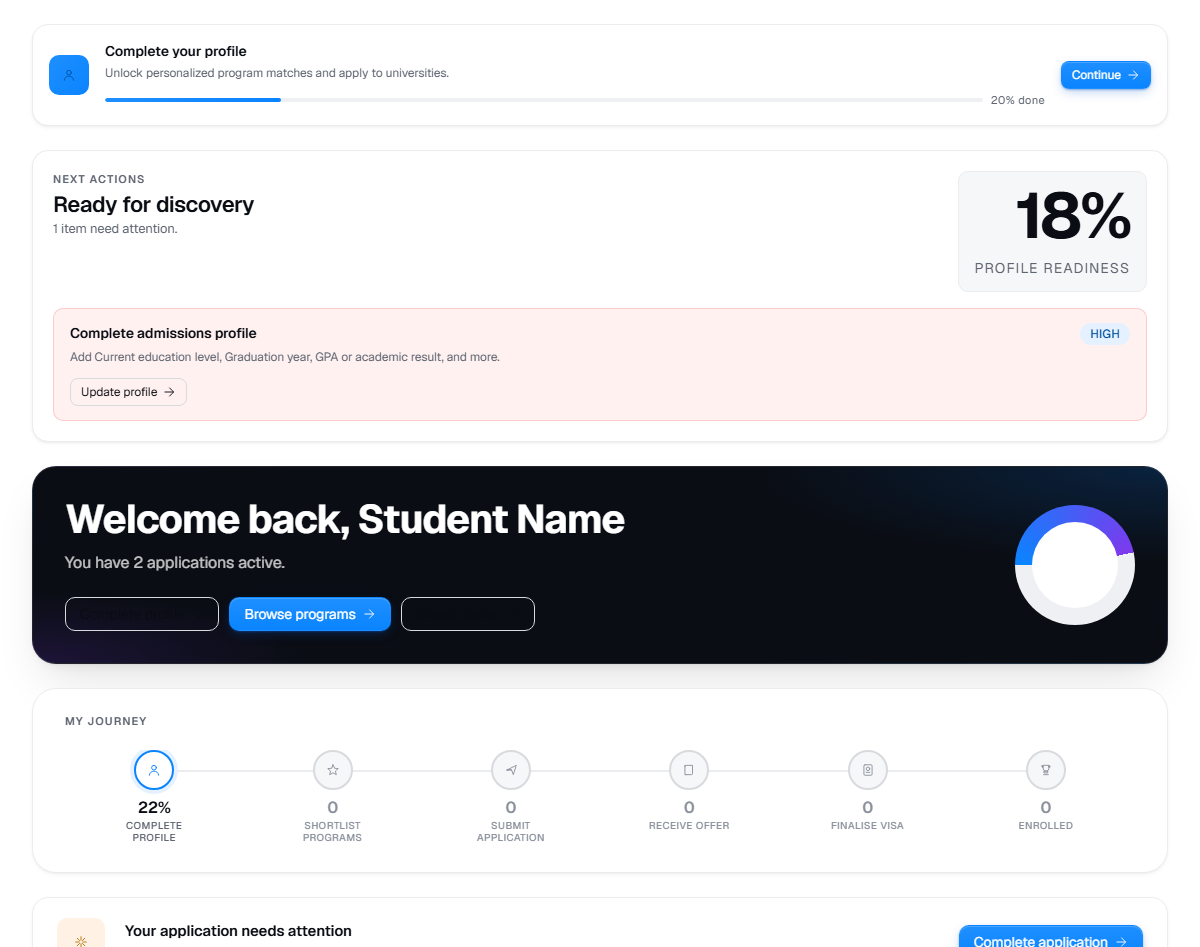
Live product screen
This visual uses the current UniGeni.ai route instead of a mockup.
Capture source
Use the source URL when this screenshot needs to be refreshed after a UI release.
Follow the workflow
Create or sign in to your student account
Use the sign up or login page. UniGeni.ai currently supports student and counsellor signups; parents can follow this public guide with the student.
Create accountComplete student onboarding
Enter your academic background, preferred fields, target countries, budget, and language preference. Upload the required passport and transcript files when the wizard asks for them.
Open onboardingReview your dashboard next steps
The dashboard highlights profile strength, tasks, shortlisted programmes, recent applications, and notifications so you can see the next useful action.
Open dashboardSearch, compare, and apply when ready
Use search filters, compare programmes, check eligibility, and submit an application only after the programme, intake, and document set look right.
Find programmes
Questions
Can a parent use UniGeni.ai?
Parents can read public guides and help the student prepare documents, but this app does not currently expose a separate parent account or dashboard.
What should I complete first?
Finish the student profile and upload required identity and transcript documents before submitting applications.
Was this guide useful?
Related guides
Complete your student profile
Build a stronger profile by adding your name, fields of study, education level, graduation year, and academic results.
Search universities and programmes
Use search, destination pages, and filters to find verified universities and programmes without confusing marketing pages with application-ready options.
Upload documents
Prepare and upload transcripts, passport scans, English certificates, payment receipts, and application-specific requirement files.